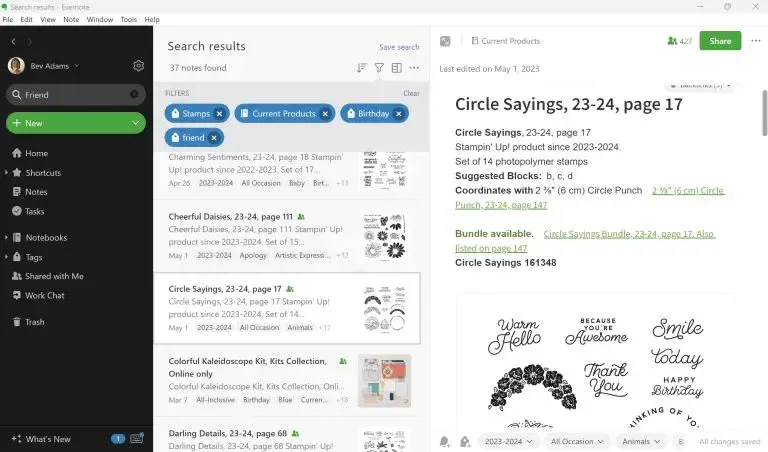
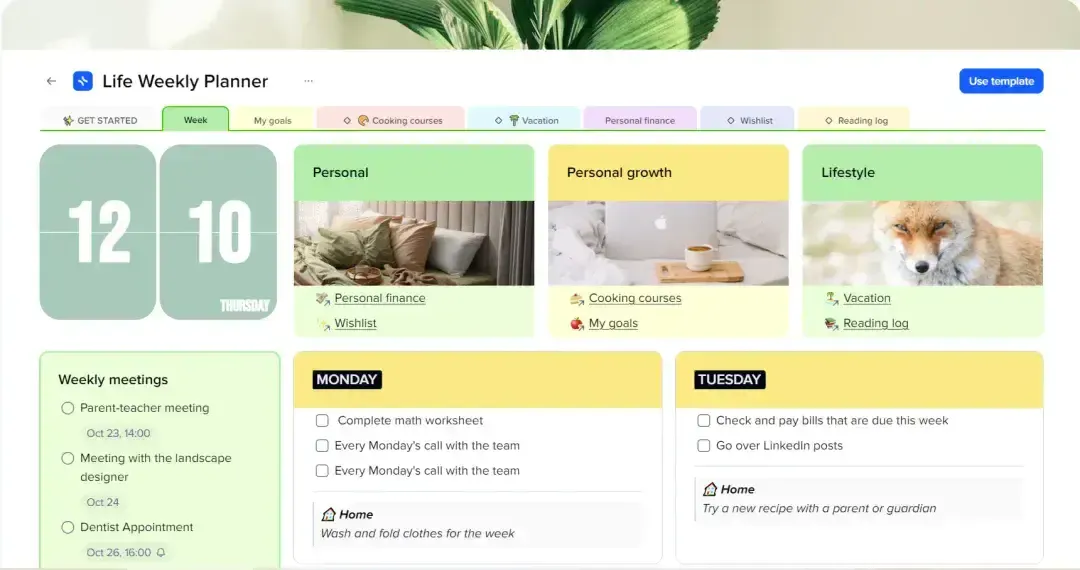
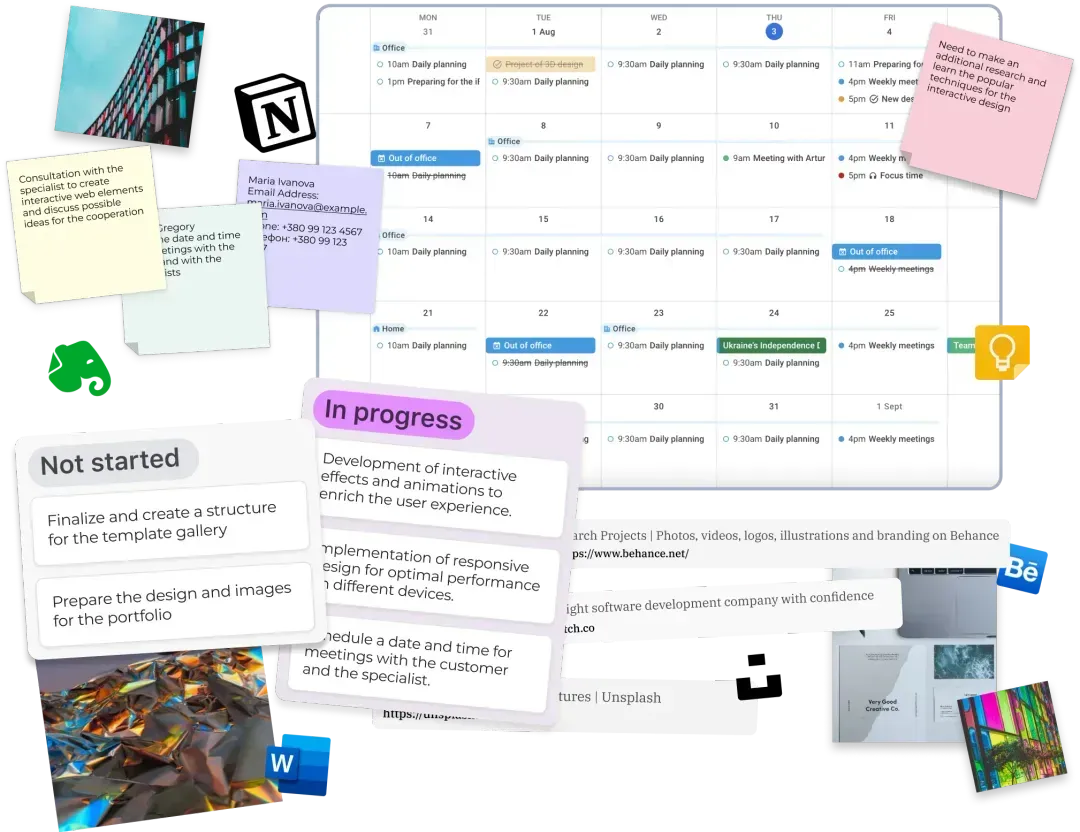
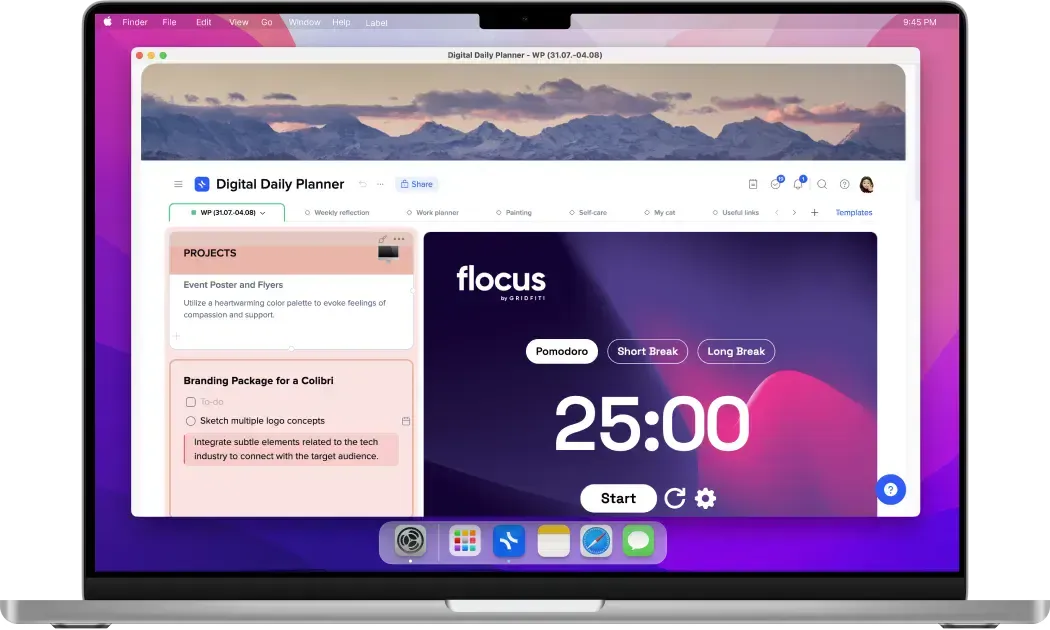
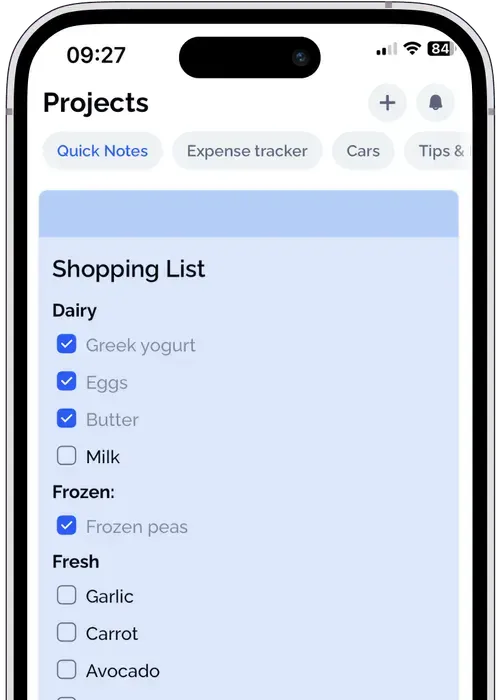
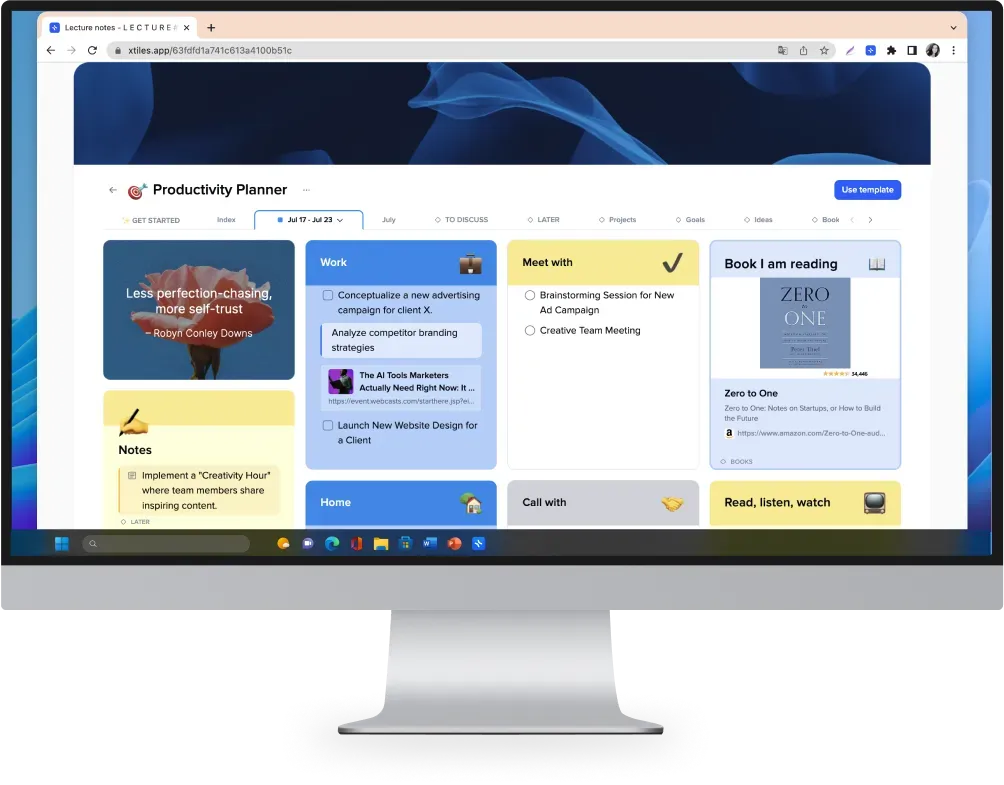
Explore xTiles - a top-notch alternative to Evernote. With xTiles, you'll find an all-in-one solution that's more intuitive, adaptable, visually engaging, and customizable compared to Evernote. Join xTiles to capture ideas, plan life, and do something creative daily 💙
VS
Evernote
xTiles
Free
Paid
Free
Paid
❌ No database function available
xTiles$0
xTiles$0
$14.99 – monthly (Plus plan)
xTilesFree for personal use
$15 – monthly, for advanced features (Plus)
$24.99/member – monthly (Evernote Teams)
xTiles$15/member – monthly (Plus)
Here are a few more reasons why you should give xTiles a go...
Schedule and focus on what you're working on.
Instantly find notes, switch docs, and move content between projects
Add more details to your notes to diverge your thoughts and ideas.
Import or Export projects with PDF, PNG, and Markdown files.
Create notes directly linked to your calendar with one-click.
Kanban boards, tables, galleries, and more. Customize any workflow.
Converge your knowledge and see all needed contexts for your stuff.
Work faster. Write better. Brainstorm new ideas and first drafts
Download our apps to organize the perfect workflow for your needs
See how our price compares to bundling other apps together
Notes Up to $15per month
Tasks Up to $8per month
Docs & Storage Up to $12per month
Projects Up to $14per month See how xTiles helps people worldwide streamline their workflow
Can't find the answer here? Contact support
xTiles stands out for its task-focused approach, visual boards, customization, and integration options. While Evernote primarily focuses on note-taking and organization, xTiles is designed for task and project management in a wide sense. Additionally, xTiles uses visual task boards, akin to Trello, which can make it easier for users to organize and manage their tasks in a more visual and intuitive manner compared to Evernote’s list-based approach. xTiles is designed for team collaboration, making it easier for groups to work together on tasks and projects.
Finally, xTiles allows extensive customization abilities of task boards, templates, and elements, together with pre-designed elements and automation features, enabling users to adapt the tool to their specific workflow.
xTiles employs a visual, tile-based system, offering extensive customization options. This approach is perfect for task management, making it visually intuitive and highly adaptable for team collaboration. It integrates smoothly with tools like Google Calendar to enhance note and task organization. While xTiles is task-oriented and well-suited for task management, Evernote is primarily designed for note-taking and general information organization for personal use only.
Yes, xTiles integrates with Google Calendar and can embed files from YouTube, audio files, rich content, PDF files, etc. The list of available integrations constantly grows. You can follow xTiles Roadmap to stay updated about integrations you look forward to using by following this link: xTiles Roadmap
The xTiles Web Clipper is not included by default. You need to download it as an add-on for your browser. Once it’s on your device, you will be able to save websites, pages, and their parts straight to your xTiles Workspace with a click. You can download the xTiles Web Clipper using this link: https://xtiles.app/en/web-clipper/
You will love the xTiles experience
Get started - it's free